
Google’s Find Hub Finally Lets You Delete Old Bluetooth Headphones and Earbuds
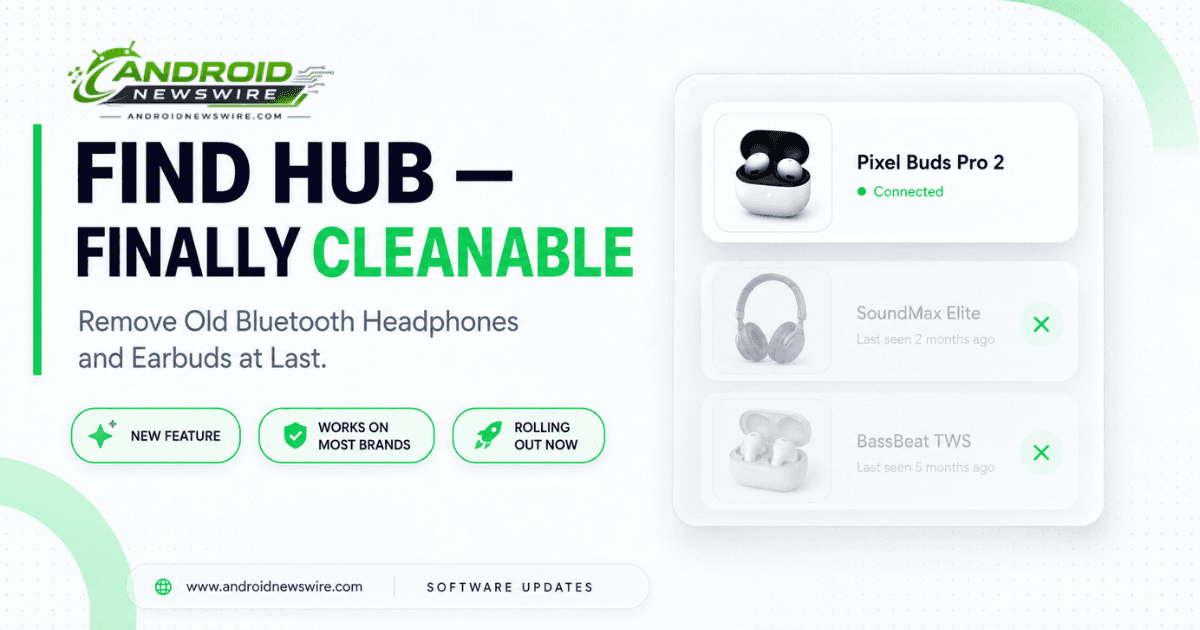
If you’ve ever sold a pair of wireless earbuds, given away old headphones, or upgraded your audio gear and still found the old pair haunting your Google account’s device list months later, Google has finally fixed it. The company is quietly rolling out a “Remove from Find Hub” option specifically for Bluetooth headphones and earbuds – ending a persistent annoyance that’s existed for years in Google’s device-tracking platform.
The Problem This Actually Solves
Until now, Find Hub’s interface functioned less like a live inventory and more like a permanent ledger. Smartphones, smartwatches, and tablets could already be removed once no longer in use, but audio accessories were treated differently – earbuds and headphones you’d long since sold, lost, or replaced simply stayed listed indefinitely, with no built-in way to clear them out.
That’s a real usability problem, not just a cosmetic one. Find Hub exists specifically to help you locate lost or misplaced gear quickly, using a network of nearby Android devices to pinpoint missing items. A device list cluttered with defunct “ghost” entries for gear you no longer own makes that core job harder – every extra irrelevant entry is one more thing to scroll past when you’re actually trying to find something you’ve genuinely misplaced right now.
The gap was particularly noticeable because dedicated tracker tags, like the Moto Tag, already included built-in removal toggles. Audio accessories were the conspicuous exception that lacked any proper unlinking option – until this update.
How to Find the New Option
The removal feature was first spotted by a Reddit user over the weekend, and based on community response, it appears to be broadly rolled out already rather than a limited test. It’s a server-side change to the Android app, meaning you may see it appear without needing to update anything manually.
One quirk worth knowing about upfront: the exact placement of the removal button isn’t entirely consistent across device models. On a pair of Sony WH-1000XM6 headphones, for example, you’ll need to tap a gear icon first to reveal a “Remove from Find Hub” shortcut at the bottom of the screen. On Sony LinkBuds, by contrast, the same “Remove from Find Hub” option appears directly on the main device screen with no extra tap required. There doesn’t appear to be a clear pattern to why the menu layout differs – it likely comes down to how individual manufacturers implemented their Fast Pair integration.
Despite that inconsistency in placement, the feature itself has been confirmed working across a wide range of brands, including Google Pixel Buds, Nothing earbuds, JBL speakers, and OnePlus audio gear (even for models from a since-discontinued lineup). If you check your own Find Hub app and don’t see it on a specific pair of headphones yet, it’s likely a matter of the server-side rollout not having reached your account, rather than that model being excluded entirely.
One Known Limitation
Not every removal scenario is fully solved yet. Some older hardware – the Pixel 4a was specifically mentioned as an example – still requires a full account reset to remove rather than the new dedicated button. If you’re trying to clean out entries for genuinely old devices and the new shortcut doesn’t appear, a standard device reset from your Google account settings remains the fallback option.
Why This Small Fix Matters
It’s easy to file this under minor housekeeping, but the reaction from users digging through old accounts suggests otherwise. Reports indicate people are actively rushing to clear out long-abandoned entries the moment they spot the new button – old Pixel Watch 3 listings, legacy Pixel Buds Pro units, and similar leftover gear that’s been quietly cluttering accounts for months or years.
This fix also fits a broader pattern of incremental improvements Google has been making to Find Hub’s underlying platform recently, including location notifications that began rolling out to the Android app back in May. None of these individually make headlines, but together they’re steadily closing the gap between Find Hub’s ambition – a genuinely reliable, comprehensive device-tracking network – and the messier reality of an interface that, until now, never let you clean up after yourself.