
Android 17 QPR2 Just Hit a Major Milestone — And Fixed a Long List of Real Pixel Problems Along the Way
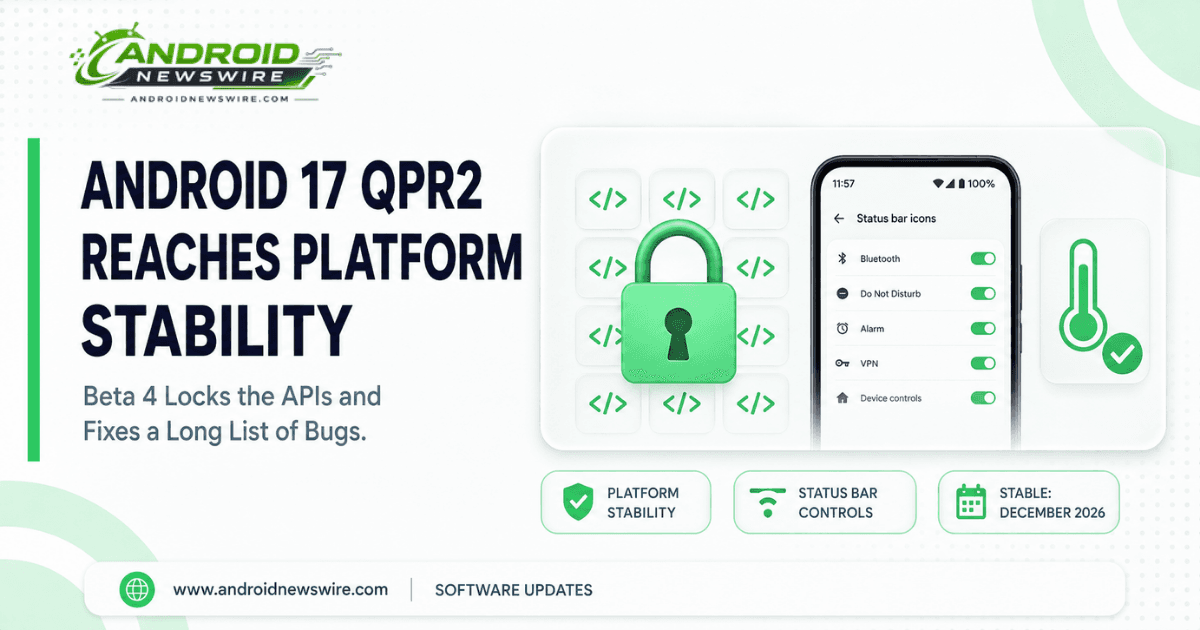
Google’s quarterly beta cycle for Android 17 QPR2 has reached its most consequential checkpoint yet. Beta 4, rolling out today, marks the point where Android 17 QPR2 officially reaches Platform Stability — meaning the app-facing APIs developers build against are now locked in place for this release, well ahead of its stable arrival in December. That milestone alone would make this a notable build, but Google paired it with one of the more substantial bug-fix lists we’ve seen in this particular beta cycle.
What “Platform Stability” Actually Means
It’s worth being precise about this term, since it gets used loosely and doesn’t mean what some people assume. Reaching Platform Stability doesn’t mean Android 17 QPR2 is finished or ready for a general public release — it specifically means the APIs and app-facing behaviors are now finalized. From this point forward, developers have a fixed, reliable target to test their apps against, and Google’s remaining work between now and the December stable launch shifts almost entirely toward bug fixing and polish rather than introducing new platform-level behavior changes. In practical terms: the shape of what QPR2 will be is now set. What happens between here and December is refinement, not redesign.
A Genuinely Long List of Real Pixel Fixes
Beta 4 doesn’t just hit a milestone — it clears out a meaningful backlog of issues that have been actively frustrating Pixel users across recent builds. The confirmed fixes include:
- A thermal management issue causing devices to overheat and unexpectedly reboot during use — arguably the most consequential fix in this build, given how disruptive random reboots are to daily use.
- Gesture navigation becoming unresponsive when rendering apps below the display cutout.
- The 80% battery-limit optimization causing excessive charge times during the final 2% stretch toward that cap — a fix that matters specifically for anyone using Android’s battery-longevity charging limit feature.
- A transparent status bar bug on the launcher, triggered by the “render apps below the cutout area” developer setting after exiting fullscreen video.
- Screen mirroring failures to external USB-C XR glasses.
- App drawer search failing to process text input in the launcher.
- A missing background blur effect behind the navigation bar when invoking the power menu via hardware buttons.
- Additional fixes covering Bluetooth call audio and low-light Face Unlock reliability.
That’s a genuinely broad spread — covering hardware thermal management, core navigation gestures, battery charging behavior, and accessibility-adjacent features like Face Unlock, all in a single build. For anyone who’s been running QPR2 betas and hitting any of these specific issues, Beta 4 is worth updating to immediately rather than waiting for a later build.
The New Feature Worth Actually Paying Attention To: Status Bar Customization
Buried among the bug fixes is a genuinely new addition, not just a repair — and it’s a feature stock Android has never offered before. Google has added a dedicated Status bar section under Settings > System, giving users direct control over which notification icons actually appear there. The options are straightforward: show all notifications, priority notifications only, or no notification icons at all, plus separate toggles for mute, vibrate, and battery percentage indicators.
This is a small addition in scope, but it’s worth flagging because of what it represents rather than what it does on its own: manufacturer skins like OnePlus’s OxygenOS have offered this kind of granular status bar control for years, while stock Android never has. Beta 4 closes that gap directly, and it’s a reasonable bet that this opens the door to even more status bar customization options in future builds rather than representing the finished feature set.
Alongside that, Google introduced a new Notification Intelligence menu, which doesn’t add new functionality on its own but consolidates several previously scattered notification-related settings into one clearer, dedicated location — the kind of organizational cleanup that doesn’t generate headlines but genuinely improves how discoverable existing controls are.
Who Gets It, and Who’s Still Waiting
The update is rolling out now to eligible Pixel devices through the Android Beta Program. As has been the pattern throughout this entire QPR2 cycle, the Pixel 6 and Pixel 6 Pro remain unsupported, consistent with their earlier End of Life status confirmed back during the QPR1 cycle.
One detail worth noting for anyone specifically running a Pixel 11 series device: the QPR2 Beta 4 build doesn’t yet include Pixel 11 support, with Google’s own release notes only promising it’s coming rather than confirming exact timing. If you’re on a Pixel 11, 11 Pro, 11 Pro XL, or 11 Pro Fold and eager to get onto QPR2, this specific build isn’t there yet — worth checking back with subsequent releases rather than assuming something’s wrong with your device if you don’t see it show up.
The Beta Cycle Timeline So Far
For context on how quickly this cycle has been moving: Beta 1 landed July 20, Beta 2 followed on August 3, and Beta 3 arrived just 11 days later on August 14 with its own substantial feature drop (App Lock, the Quick Settings layout editor, and expanded Dynamic Color theming, which we covered in detail at the time). Beta 4 arriving roughly two weeks after Beta 3 keeps that same steady cadence going, and now marks the point where the cycle’s focus shifts from adding capability to refining what’s already been built.
What Comes Next
With Platform Stability now reached, expect the remaining QPR2 beta builds between now and December to focus almost entirely on further bug fixes and system polish rather than new features or API changes. Google’s September Feature Drop — the software that’s been developing separately as Android 17 QPR1, which recently hit its own Beta 9 milestone — could also arrive any day now, running on a parallel but distinct track from the QPR2 cycle covered here.
If you’re enrolled in the Android Beta Program and running an eligible device, Beta 4 should already be available under Settings > System > System update. Anyone hitting further issues can report them directly through the Android Beta Feedback app, which files reports straight into Google’s public issue tracker — exactly the channel that surfaced several of the bugs fixed in this very build.