Gemini Live Just Became a Real AI Agent — And It Can Plan Your Whole Week’s Meals
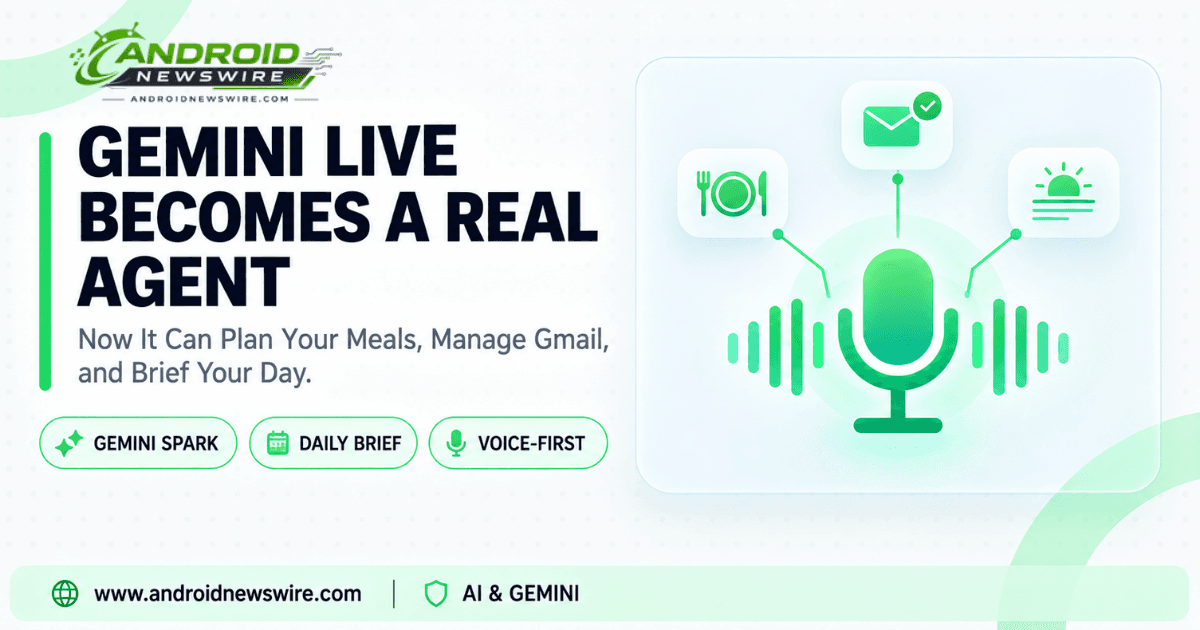
There’s a meaningful difference between an AI that talks well and one that gets things done on your behalf while you’re not even looking. Google just moved Gemini Live decisively into the second category. Announced August 26, the update integrates Gemini Spark directly into Gemini Live’s voice interface, alongside a cluster of new productivity features — hands-free Gmail management, spoken daily briefings, and the ability to hand Gemini a genuinely open-ended, multi-step job and have it actually execute that job over the following days.
Why Google Is Betting So Heavily on Voice
Google’s own framing for this update leans on a specific, fairly striking usage statistic. The company says speaking a prompt out loud is “often the quickest way to get help with Gemini,” and backs that up with a real number: 63% of Gemini users talk to Gemini out loud rather than typing their requests. With well over half of Gemini’s user base already defaulting to voice, Google’s rationale for pouring this much productivity capability specifically into the voice-first Gemini Live experience — rather than the standard typed-chat interface — makes considerably more sense.
The Headline Feature: A Weekly Meal Plan You Never Have to Build Yourself
The example Google keeps returning to across its own announcement, and one that’s landed with real resonance across coverage of this update, is meal planning — a genuinely tedious weekly chore that AI assistance has struggled to meaningfully simplify until now. With Spark integrated, you can simply say something like: “Plan dinners for next week. Vegetarian and high in protein. Make sure to use that one recipe I recently saved and make me a grocery list of all ingredients needed.”
What makes this functionally different from previous AI meal-planning attempts is what happens after you say it. Gemini doesn’t just spit back a list in the chat window — Spark pulls from recipes you’ve actually saved in Google Docs, builds a structured weekly plan, and generates an itemized grocery list organized for actual shopping, all delivered as an organized document rather than a wall of conversational text you’d have to manually reformat yourself.
“Ramble” Is Genuinely the Operative Word Here
One of the more interesting design choices in this update is how deliberately Google is lowering the bar for how precisely you need to phrase a request. Rather than requiring a clean, well-structured prompt, Google’s own guidance literally invites users to “ramble your unstructured thoughts, ideas, and half-baked plans out loud” while doing something else entirely — walking, driving, cooking — and let Spark handle the organizational work afterward. Spark takes that conversational brain dump, identifies the actual key themes buried inside it, and turns the result into a properly structured outline in Google Docs by the time you sit back down to actually work on it.
That’s a meaningful shift from how most voice assistants have historically worked, where imprecise or rambling input tends to produce worse results, not equivalent ones. Here, the messiness of natural speech is treated as the expected input format, not a problem to work around.
Long-Running Jobs That Keep Working After You Stop Talking
Perhaps the most structurally significant change in this update is that Spark’s tasks aren’t limited to the length of a single conversation. According to Google, Spark works seamlessly across Google Docs, Sheets, Drive, and the web, remembering your goals as it goes, and can handle long-running, scheduled jobs across days or weeks — even when you aren’t actively using the app. That’s the meal-planning example again, but generalized: this isn’t a one-shot response, it’s an ongoing project Gemini continues managing in the background, checking back in as needed rather than forgetting the request the moment the conversation ends.
Daily Brief: One Spoken Question, Your Whole Day Summarized
Alongside Spark, Gemini Live is also gaining access to Daily Brief, which condenses your actual day-to-day priorities into a single spoken summary. Asking Gemini “What’s my daily brief?” or “What should I care about today?” triggers a combined rundown pulling from Gmail and Google Calendar simultaneously — your schedule, flagged priorities, and, according to Google’s own examples, even tracking information for packages currently on their way to you. For anyone who dreads opening their inbox first thing in the morning, this effectively replaces that manual scan with a single spoken question.
Gmail Now Fully Voice-Controllable Inside Gemini Live
The update also extends genuine hands-free control over Gmail directly through Gemini Live. Users can now search and summarize emails, and star, archive, or delete messages using voice commands alone — asking things like “Any new emails?” or searching for urgent messages from a specific sender, entirely without touching a keyboard or opening the Gmail app directly.
What Requires a Subscription — and What Doesn’t
It’s worth being precise about access tiers here, since not every piece of this update is available to every Gemini user for free. Spark’s core capabilities are limited to Google AI Pro subscribers and higher, while Daily Brief requires at minimum a Google AI Plus subscription. If you’re on Gemini’s free tier, you’ll be able to see these features exist, but the actual multi-step task execution and daily summary capabilities are gated behind a paid plan.
Independent testing of Gemini’s meal-planning capability specifically over a two-week period found it genuinely saves real time on the planning and shopping-list process compared to doing it manually, while noting it works best for everyday household planning within the Google ecosystem rather than as a substitute for a nutritionist’s specific dietary guidance — a reasonable expectation to set for anyone hoping this replaces professional nutrition advice rather than simplifying a routine weekly chore.
How to Actually Get Started
Getting these features working requires one setup step before jumping in: connecting your Google Workspace apps inside Gemini Personal Intelligence settings. Once that’s linked, using it is as simple as opening the Gemini app, tapping the Live sparkle icon, and starting to talk — no separate app, no special command syntax, just natural spoken language.
Why This Update Matters Beyond the Individual Features
Google has spent much of this year building toward the “intelligent system” framing Android chief Sameer Samat has repeatedly described — Android and Gemini increasingly executing multi-step tasks on a user’s behalf rather than just answering questions. This Gemini Live update is one of the clearest, most concrete examples yet of that philosophy actually shipping as a real, usable feature rather than a stage demo. A meal plan that persists across a week, a Gmail inbox you can manage entirely by voice, and a daily briefing that replaces manually checking three separate apps are exactly the kind of tangible, immediately useful capabilities that make the broader “agentic AI” pitch feel like something more than marketing language.