
The September 2026 Android Feature Drop Is Here – Here’s Everything New
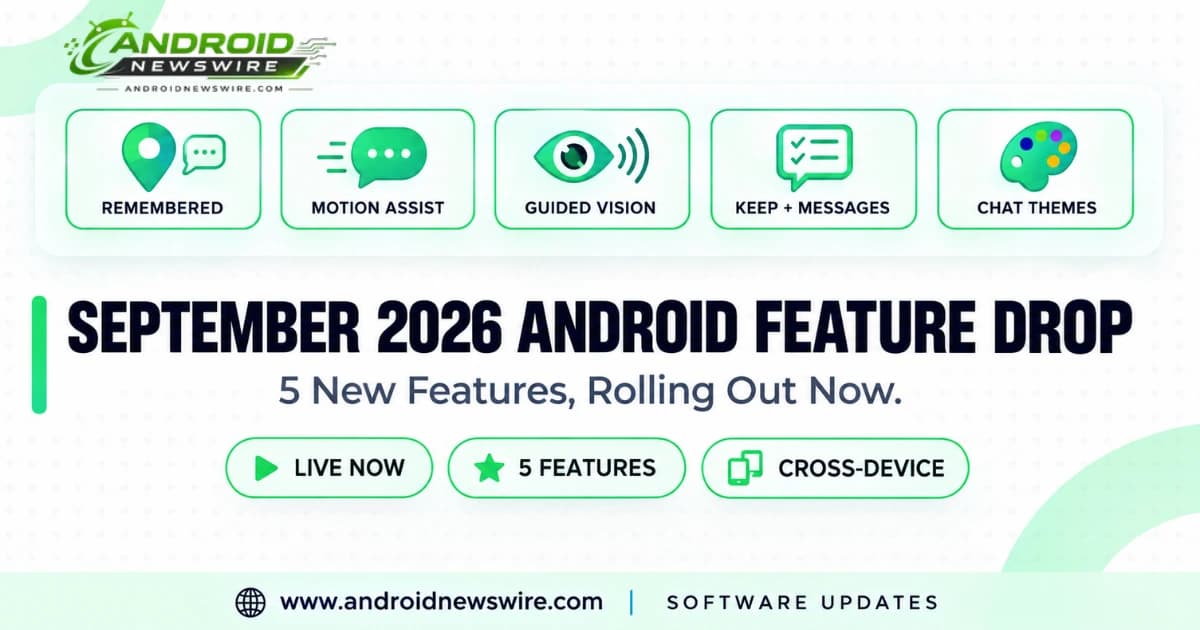
Google kicked off the new month the way it now reliably does: with a fresh Android Feature Drop, its recurring monthly bundle of updates spread across Google’s own apps and the broader Android platform. The September 2026 edition rolled out starting September 1, and it’s a genuinely varied one – spanning a practical everyday convenience feature, an accessibility-first vehicle motion aid, a real accessibility tool for low vision, and a pair of messaging upgrades. Here’s everything included.
Find Hub Can Now Remember Where You Put Things – No Tracker Required
The headline feature this month solves a problem that’s existed since long before smartphones: forgetting where you put something important. Google is extending Find Hub – previously limited to tracking items with a physical Bluetooth tag attached, like a Pixel Tag or Tile – to also remember locations for things that have no tracker at all, purely through a spoken description.
The workflow is refreshingly simple. You tell Gemini something like, “Hey Google, remember in Find Hub that I put my passport in my bedroom drawer,” optionally attaching a photo for extra visual confirmation, and that location gets saved to a brand-new “Remembered” tab inside the Find Hub app. Later, when you inevitably can’t remember where you put it, you can either open Find Hub directly or simply ask Gemini for the item’s location by voice, and it’ll recall exactly what you told it.
This feature is rolling out on Android 16 and above, meaning it’s not restricted to Google’s newest hardware – a meaningfully wide swath of the existing Android install base should be eligible as the rollout reaches them.
Motion Assist: A Small Screen Overlay Aimed at Car Sickness
For anyone who’s ever tried to use their phone in a moving car and immediately regretted it, Google’s new Motion Assist feature is a direct, if understated, response. Available on Android 17 and above, it displays a subtle bubble overlay on your screen that moves in sync with the vehicle’s motion, designed specifically to help “bridge the gap between what your eyes see and the movement of your ride” – the core mismatch between visual stillness and physical motion that’s widely understood to be the primary trigger for motion sickness in the first place.
Google built in real customization here rather than shipping a one-size-fits-all overlay: you can adjust the color, shape, and opacity of the bubble to whatever’s least distracting for your own use, which matters a lot for a feature that’s meant to sit quietly in your peripheral vision rather than compete for your attention with whatever app you’re actually trying to use.
Guided Vision: Gemini Live Becomes a Real Accessibility Tool
Perhaps the most quietly significant addition this month is Guided Vision, a new Gemini Live capability aimed specifically at low-vision users. Using your phone’s camera feed, Guided Vision provides real-time audio descriptions of your surroundings, along with reframing prompts – spoken guidance nudging you to adjust the camera angle for a clearer view – particularly useful in low-light conditions or when trying to read fine print that would otherwise be difficult or impossible to make out visually.
Access is built directly into Android’s existing accessibility infrastructure: Guided Vision is available as a dedicated Accessibility shortcut, or can be launched directly from the TalkBack menu for anyone already using Android’s built-in screen reader. The feature is described as “coming soon” specifically, rolling out to phones running Android 9 and above in any country where Gemini is currently available – a notably broad minimum OS requirement compared to most of this month’s other features, reflecting how seriously accessibility features tend to prioritize reaching the widest possible device base rather than gating behind the newest hardware.
Google Messages Gets Real Google Keep Integration
On the messaging side, Google Messages is picking up genuine Google Keep integration, letting you share and collaboratively update lists – grocery lists, vacation planning notes, anything you’d normally track in Keep – directly inside an existing chat thread, rather than needing to jump between two separate apps to keep everyone synced.
The entry point is built into the existing message composer: a new “Create list” suggestion appears alongside a shortcut in the plus (+) menu, which opens a dedicated sheet for building out the list. Once you’ve created it, the list appears inline in the conversation as a shared, live-updating note – meaning everyone in the thread can check items off or add new ones, and those changes reflect for the whole group in real time rather than each person tracking their own separate copy. This integration is rolling out starting today.
Chat Themes Officially Launches
Rounding out this month’s drop is the official launch of Chat Themes in Google Messages – a feature that’s actually been rolling out gradually since last week, but is being formally announced as part of this broader Feature Drop. Chat Themes let you customize the visual appearance of an individual conversation: pick a wallpaper or a personal photo as the background, and your message bubbles automatically adjust their colors to match. You can also set custom colors manually if you’d rather have direct control than let the system auto-generate a palette from an image, giving each conversation in your Messages app its own distinct visual identity rather than the uniform default look every thread has shipped with until now.
A Genuinely Well-Rounded Month
What stands out about this particular Feature Drop is the spread across genuinely different use cases rather than five variations on the same theme. Find Hub’s Remembered items solves a mundane, universal daily annoyance. Motion Assist targets a specific physical discomfort that’s simply been an accepted cost of phone use in a car until now. Guided Vision is real, substantive accessibility work rather than a token gesture. And the two Messages updates – Keep integration and Chat Themes – are the kind of quality-of-life additions that make a default messaging app feel less like a bare-bones utility and more like something people actually enjoy using day to day.
Rollout Timing and What to Check
As with every monthly Feature Drop, expect a staggered rollout rather than every feature appearing on every eligible device simultaneously the moment you read this. If you don’t see one of these features yet on a device that should qualify based on its Android version, it’s worth checking back over the coming days as Google’s server-side rollout continues to expand – several of this month’s features, including Chat Themes, were already partially live in the days before today’s official announcement, which is a good indicator that the rest of this month’s additions will follow a similarly gradual, ongoing distribution pattern.