
The Full September 2026 Google System Updates Roundup — Five Release Waves, One Big Picture
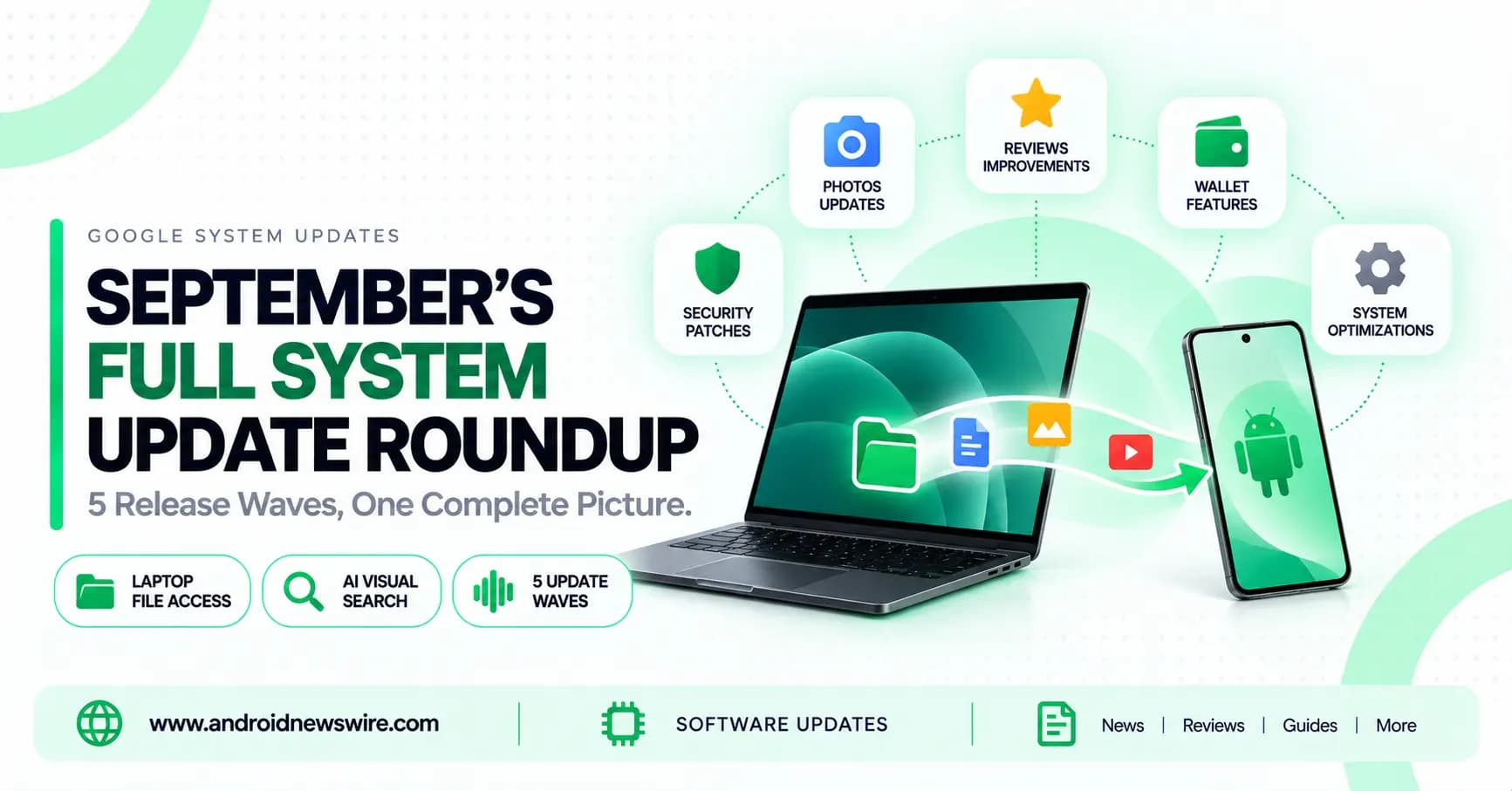
Google’s monthly “Google System Release Notes” rarely make headlines on their own, arriving in scattered waves throughout the month rather than one single announcement. But zoomed out across the entire month, September 2026’s cumulative changes are genuinely substantial — spanning five separate Play services releases, three Play Store updates, and two WebView versions, touching everything from cross-device file access to how you discover apps in the first place. Here’s the complete picture, pieced together from every wave that shipped this month.
The Headline Feature: Your Phone’s Files, Right There on Your Laptop
The single most practically useful addition this month arrived early, through Play services v26.34. Google added direct phone file access from laptops — the ability to browse and manage your Android phone’s internal files straight from a laptop interface, without needing a cable, a third-party app, or a cloud upload step in between. Paired with it, Play services also now lets you launch and interact with mobile apps directly from a laptop, effectively projecting a piece of your phone’s interface onto a larger screen on demand.
This arrives at a genuinely well-timed moment: it lands the same month Google’s Googlebook laptop platform opened for pre-order, and it’s exactly the kind of cross-device continuity feature that supports the broader “your phone and your laptop are one connected system” pitch Google has been building toward all year.
Play Store Gets Smarter About Discovery — And About Trust
Several distinct Play Store changes rolled out across the month, each addressing a different part of the app-discovery experience:
- AI Visual Search (v53.0) — you can now search for apps and games by uploading or selecting a photo, with the Play Store matching recommendations to visual content in your own images, rather than requiring you to describe what you’re looking for in text.
- Similar Apps descriptions (v53.1) — app details pages now surface a short description highlighting a key feature in each similar app listed, making it easier to actually differentiate between comparable options rather than scanning a row of near-identical icons and names.
- Contribution Hub (v53.2) — a new dedicated space specifically for tracking the impact of your own reviews, giving reviewers visibility into how their feedback is actually being used rather than submitting a review into a black box.
- Review section cleanup (v53.3, Sept 21) — a general tidying pass on how reviews are displayed and organized.
Taken together, these changes push in two directions at once: making it easier to find the right app in the first place (visual search, similar-app differentiation), and making the review ecosystem itself feel more transparent and worth participating in (Contribution Hub).
Wallet, Cross-Device Setup, and Supervision Improvements
Play services v26.36 (Sept 14) brought a cluster of account and system-level refinements: improvements to Wallet functionality, expanded NFC Wallet capability, and cross-device setup improvements alongside general bug fixes for Account Management and System Management & Diagnostics services across Auto, PC, Phone, TV, and Wear.
A week earlier, v26.35 (Sept 7) specifically targeted Supervision features for Phone and Wear — the parental-control-adjacent tools Google builds into Android — alongside new infrastructure inside the Kids Auth Module to manage and display regulatory compliance notices. That’s a meaningful, if quiet, addition: as different regions adopt varying child-safety and data regulations, having a dedicated system for surfacing the right compliance notice per jurisdiction is the kind of unglamorous plumbing work that matters enormously for Google actually complying with local law at scale.
The Gemini-in-Car Sign-In Improvement
One of the more concrete, easily explainable additions this month: Play services now lets you sign in to your Google Account directly during Gemini setup in your vehicle. Previously, getting Gemini fully configured inside a car’s built-in system likely required more back-and-forth between phone and dashboard than necessary; this streamlines that specific setup flow into a single, direct sign-in step.
WebView: Two Versions, Real Security Work
Android WebView — the component responsible for rendering web content inside native Android apps — received two separate updates this month. v154 (Sept 10) changed how WebView Finch (its configuration/experimentation system) operates, shifting from application-level consistency to device-level consistency, alongside general security, privacy, and bug-fix improvements. v155 (Sept 23) followed with thread-safe navigation APIs for developers, plus continued security and reliability refinements.
For developers specifically, earlier WebView work this month (v153) also added new renderSizeHint audio APIs alongside improved security partitions for safely displaying web-based content inside native apps — a detail that matters if your app embeds any web content and you’re managing audio playback alongside it.
Developer-Facing Additions Worth Knowing About
Beyond the consumer-facing features, this month’s releases included several items specifically for developers: new capabilities to support Maps-related processes and Analytics & Diagnostics-related processes inside third-party apps, continued refinements to Android System Intelligence (bug fixes and maintenance across two separate builds this month), and updates to Device Performance and Stability management services under the final v26.37 release (Sept 21).
How This Rollout Actually Reaches You
As with every monthly Google System Update, these changes arrive as a series of independent, staggered releases through Google Play services and the Play Store itself — not as a single unified download. That’s the entire point of this delivery mechanism: Google can ship meaningful platform improvements on a rolling basis throughout the month, independent of any device manufacturer’s own OS update schedule. Worth noting specifically for Samsung users: Galaxy devices have already begun receiving this month’s Play system update package, arriving even ahead of Samsung’s own separate One UI 9 software rollout — a useful reminder that these two update tracks move on genuinely independent schedules.
Most of these changes require no action on your part; you can check your current versions under Settings > About phone > Android version for the Play system update specifically, or by checking individual app info pages for Google Play services, Play Store, and Android System WebView directly.
Why a Month Like This Matters
No single item in September’s roundup would make for a dramatic headline on its own. But viewed across the full month — laptop file access, AI-powered visual app search, a reviewer-facing Contribution Hub, expanded Wallet and NFC capability, Supervision improvements, and two rounds of WebView security work — this is a genuinely substantial month of incremental platform improvement, delivered entirely outside the normal OS-update cycle. It’s the clearest demonstration yet of why Google built this delivery mechanism in the first place: real, meaningful change reaching the Android ecosystem continuously, rather than waiting for the next major version release to bundle it all together.